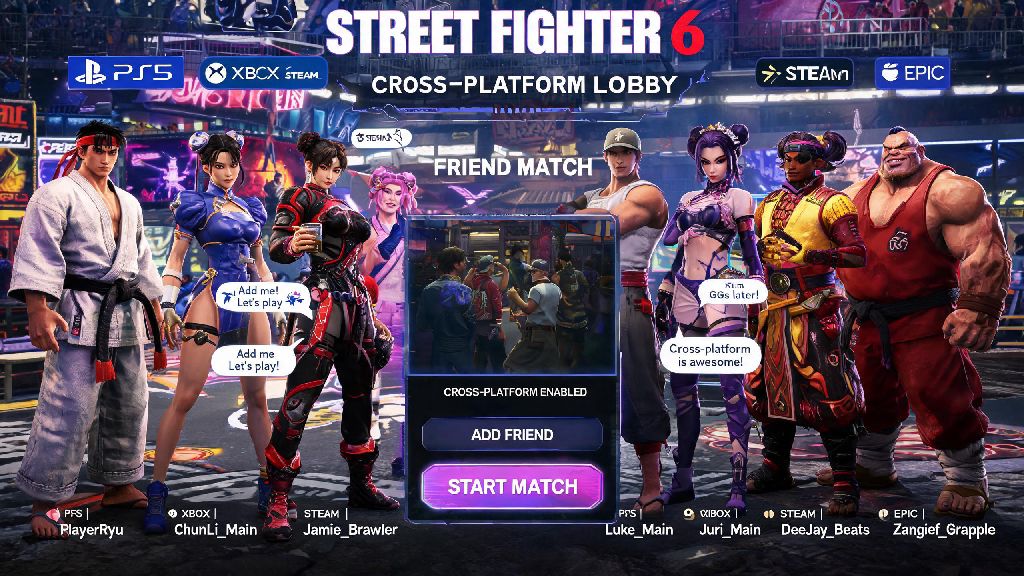
If you picked up Street Fighter 6’s 2026 Championship Edition update or just got back into the game after a break, you’re probably hyped to test new character balance changes and game modes against your buddies instead of random ranked opponents. But a lot of users run into confusion when they first try to figure out how to add friends on Street Fighter 6, especially with the expanded cross-platform support rolled out earlier this year. I’ve spent the last three months grinding SF6 ranked and running weekly private tournaments with my friend group across PS5, Xbox Series X/S, Steam, and Epic, so I’ve tested every possible method to add friends, fix errors, and get lobbies up in under two minutes.
Step-by-Step Methods to Add Friends on Street Fighter 6 (2026 Update)
Before you start sending friend requests, there are a few simple prerequisites you need to check off to avoid running into unnecessary errors. These apply to all platforms, so make sure you and your friend both meet these requirements first:
Once you’ve checked those boxes, the in-game friend adding process is straightforward. First, boot up SF6 and navigate to the Battle Hub from the main menu. Open the side menu by pressing the Options button on controller or Escape on keyboard, then select the Friends List tab. From there, select “Add Friend” and enter your friend’s Capcom ID exactly as it appears, including capital letters and any special characters. Hit send, and your friend will get a notification the next time they log into SF6 or check their friend requests.
For same-platform players, you can skip the Capcom ID step entirely. Select the “Import Platform Friends” option in the Friends List tab, and all your friends on your platform’s network who own SF6 will appear automatically. You can send requests to multiple people at once with this feature, which saves a ton of time if you’re moving to SF6 from an older fighting game and want to add your whole existing crew.
Cross-Platform Friend Adding Tips for 2026 SF6 Players
Before the 2026 Championship Edition update, cross-platform friend adding was a mess, with frequent ID not found errors and long delays for request delivery. Capcom fixed almost all of these issues in the January 2026 patch, but there are still a few tips that will make the process even smoother. First, make sure you’re using your friend’s Capcom ID, not their platform ID, for cross-platform adds. A lot of new players make the mistake of entering a PSN ID or Steam username, which won’t show up in cross-platform search results.
If you meet someone you hit it off with in a random Battle Hub match or ranked queue, you don’t have to ask for their Capcom ID to add them. Just go to the post-match screen, select their profile, and hit “Send Friend Request” directly from that menu. The request will go to their inbox immediately, no ID typing required. I use this all the time when I have a really close, fun match with a random player, and it’s saved me from misspelling so many weird usernames.
If you run into persistent cross-platform connection issues, you can check the official Capcom cross-platform support guide for real-time server status updates and platform-specific fixes. They post about scheduled maintenance and ongoing outages there first, so it’s the fastest way to rule out server issues as the cause of your friend adding problems.
One small thing to note: if you or your friend have cross-platform play disabled for any reason, you won’t be able to see or add each other at all, even if you enter the correct Capcom ID. You can double check this setting by going to Online Settings > Network > Cross-Platform Play, and making sure the toggle is switched to on.
Common Errors When Adding SF6 Friends (and 2026 Fixes That Work)
Even with the 2026 updates, you might run into a few common errors when trying to add friends. I’ve dealt with all of these personally, so these fixes are tested and work for every platform. The most common error is “Capcom ID Not Found”. If you get this message, first double check that you spelled the ID correctly, including capitalization and special characters. If it’s still not working, your friend might have changed their Capcom ID in the last 24 hours. Capcom added a 24 hour ID change cooldown in 2026 to prevent impersonation and spam, so newly changed IDs won’t show up in search results for a full day after the change.
Another common error is friend requests never arriving in the recipient’s inbox. First, ask your friend to check their blocked users list, because it’s really easy to accidentally block someone when you’re spamming through post-match screens after a frustrating loss. If they’re not blocked, check your privacy settings: if your profile is set to “Private”, you won’t receive friend requests from anyone who’s not already on your platform friend list. Switch your profile to “Friends of Friends” or “Public” to receive requests from other SF6 players.
The third most common error is “Friend Request Limit Reached”. Capcom set a limit of 100 pending outgoing friend requests in 2026 to cut down on spam accounts sending fake requests to thousands of random players. If you hit this limit, just go through your pending requests and cancel any that are more than a week old or to people you don’t actually remember meeting. You’ll be able to send new requests immediately after you free up space.
If you’re able to add a friend but can’t invite them to lobbies, the most likely fix is to make sure both of you are on the latest game patch. Capcom releases small balance patches and bug fixes every month in 2026, and players on different patch versions can’t join the same lobbies to prevent gameplay desyncs. I ran into this last month when my friend forgot to install the latest patch, and we spent 10 minutes confused why invites weren’t going through until we checked our version numbers.
Pro Tips to Manage Your SF6 Friend List in 2026
Once you’ve added all your friends, there are a bunch of underused 2026 features that make managing your friend list and playing together way easier. First, take advantage of custom friend groups. You can create groups for different types of play, like “Ranked Practice Partners”, “Casual Lobby Crew”, or “Tournament Teammates”, and invite entire groups to a lobby with one click instead of sending individual invites to every person. This saves me at least 10 minutes every week when I run my local FGC’s casual SF6 tournaments.
Another great 2026 feature is the Favorite Friends pin. You can pin up to 20 of your most frequent play partners to the top of your friend list, so you don’t have to scroll through hundreds of old random adds to find the people you play with most often. I have all my regular practice partners pinned, so I can check if they’re online and send an invite in two seconds flat.
If you get a lot of friend requests from random players, you can adjust your status visibility settings to cut down on clutter. You can set your status to “Appear Offline” if you want to grind ranked alone without getting spammed with invites, or turn off friend request notifications entirely if you only want to add people you meet in person. You can still send invites to your existing friends even if you appear offline, so you don’t have to worry about missing out on playing with your crew.
One last tip: you can mute status updates for specific friends if you don’t care about their achievement notifications. If you have a friend who posts every single time they unlock a new costume or hit a new rank, you can mute their updates without unfriending them, so your friend feed only shows updates from the people you care about.
Once you know how to add friends on Street Fighter 6, the game becomes way more fun than just grinding random ranked matches alone. The 2026 updates have fixed almost all of the old pain points with friend requests and cross-play, so the process is faster and more reliable than ever. Don’t forget to double check your Capcom ID spelling and cross-play settings if you run into issues, and don’t be afraid to send a request to someone you had a fun match with in the Battle Hub—you might find your new main practice partner.