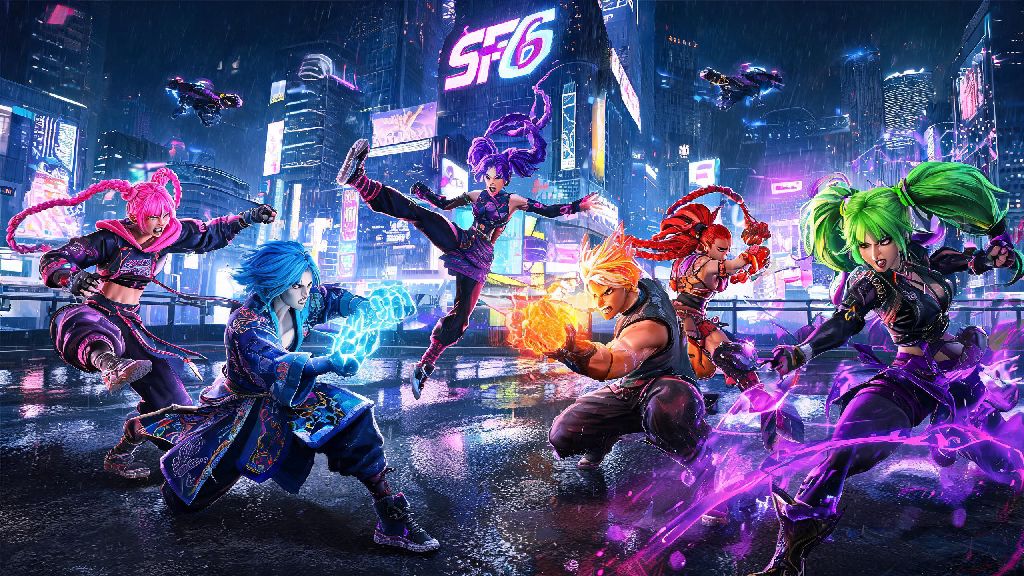
If you’ve spent hours grinding ranked matches in Street Fighter 6 this 2026, you’ve probably run into dozens of players rocking wild custom outfits, neon hair, and even meme-worthy avatar designs that make you stop mid-match to stare. There’s no reason to stick with the default Ryu gi or bland World Tour avatar look when you can tweak almost every part of your fighter’s visual identity. Learning how to change appearance in Street Fighter 6 is way simpler than pulling off a perfect Drive Rush cancel, and it doesn’t require any in-game currency grind if you know where to look.
How to Change Appearance in Street Fighter 6 for Base Roster Characters
If you’re still stuck on how to change appearance in Street Fighter 6 for your main roster pick, the process is far more straightforward than most players realize as of the 2026 quality of life update. All four base outfits for every character (including post-launch DLC fighters like Akuma and Elena) are now available for free, no Fight Money or premium currency required to unlock them. To get started, head to the main menu and select Character Customization from the left sidebar, then pick the fighter you want to edit.
From there, you can toggle between the four default outfit styles, and dig into the custom color editor to tweak every part of the look. Each outfit has 10 pre-made default color slots, but the custom color editor lets you adjust hue, saturation, and brightness for individual pieces like shirts, pants, gloves, and even fighter accessories like hair ties or jewelry. Once you save a custom color, it will be available across all game modes, including ranked, casual, and Battle Hub lobbies. You won’t be able to edit the core facial or body model of base roster characters, but you can get extremely creative with color combinations to make your main feel totally unique.
Step-by-Step Guide to Customizing Your World Tour Avatar
If you want a fully original fighter to use in World Tour mode and Battle Hub lobbies, the avatar customization system offers almost endless options. Unlike the game’s 2023 launch, you no longer have to pay Fight Money to edit your avatar after you create it. You can access the editor at any time either by visiting a Beat Square clothing store in Metro City or Nayshall, or by opening your in-game phone and selecting the Avatar Customization app directly from your home screen.
Most players only scratch the surface of what the avatar editor can do, especially with all the 2024 and 2026 update additions. Some of the most underrated customization options you might have missed include:
I’ve seen players make avatars that look exactly like their favorite streamers, their childhood pets, even random snack foods, so don’t be afraid to mess around with the sliders. You won’t break anything, and you can always reset to default if you don’t like what you made.
Customizing Appearance for Battle Hub and Tournament Play
Many new players ask how to change appearance in Street Fighter 6 for tournament play specifically, and the answer depends entirely on the event rules. For casual Battle Hub lobbies, community run local tournaments, and friend matches, you can use any custom outfit, color, or avatar design you want with no restrictions. But if you’re playing in official Capcom Pro Tour events in 2026, you’ll only be allowed to use base outfits 1 and 2 with default colors, to make sure players can easily recognize their opponent’s fighter mid-fast-paced match.
One common mistake new players make is setting a custom outfit for offline play but forgetting to sync it to their online profile, so other players still see the default look. To fix that, head to your Online Profile settings, select “Preferred Appearance” and save your custom outfit as the default for all online matches. If you use modded appearance files, keep in mind other players won’t see those edits unless they have the exact same mod installed, so stick to in-game customization options if you want other people to see your hard work.
2026 Hidden Appearance Customization Features You Might Have Missed
Capcom rolled out a pile of new customization features in the 2026 Q1 update that most casual players haven’t found yet. The biggest one is the outfit randomizer, which lets you set a different outfit and color to load every time you pick a character, so you never get bored of seeing the same look every match. You can also save up to 20 custom appearance profiles per character now, which is perfect if you want a more low-key look for ranked play, a flashy neon design for streaming, and a funny meme outfit for friend matches.
Another great 2026 addition is custom appearance share codes. If you see a cool Ryu outfit or a hilarious avatar design someone else made, you can ask for their 8-digit share code and copy the exact look directly to your own game in 10 seconds. Capcom also drops limited-time custom appearance codes every month on their official Street Fighter social media accounts, including exclusive colorways and rare World Tour avatar accessories you can’t get anywhere else. If you find flashy opponent outfits distracting during ranked matches, you can also turn off all opponent custom appearances in the settings menu to only show default character looks, a feature that high-rank players swear by for staying focused during grind sessions.
At the end of the day, Street Fighter 6 is all about expressing your personal style both in how you play and how your fighter looks. Whether you’re tweaking your main’s outfit to match your favorite color scheme or making a meme avatar that makes your friends laugh mid-Battle Hub match, the customization tools are built to be accessible for everyone. Now that you know how to change appearance in Street Fighter 6, you can spend the next 10 minutes messing around with the options instead of grinding ranked, and we promise it’s worth the time. If you find a cool custom look, make sure to share it with your local Street Fighter community – you might even start a new trend for 2026 tournament play.