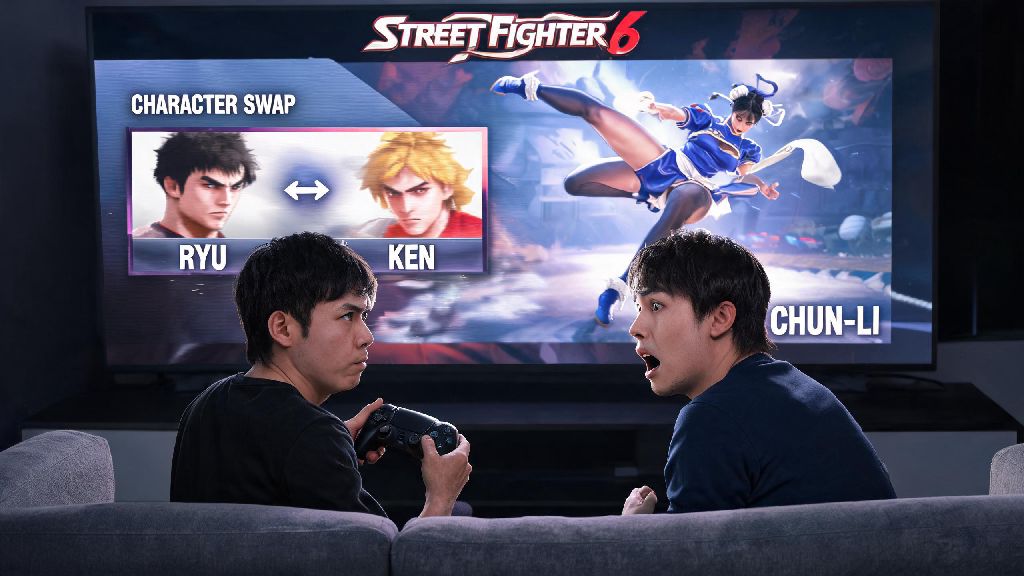
You’re mid-casual match run with friends, you just got bodied three times in a row by their Chun-Li, and you know your go-to Ryu isn’t cutting it right now. Knowing how to change your character in Street Fighter 6 fast can turn that losing streak around before anyone starts talking trash. Most new players fumble through the menu for 30 seconds or accidentally lock into the wrong fighter when they’re in a hurry, but the process is way simpler than you think once you know where to look. This guide breaks down the process for every game mode, plus little hacks to make character swaps second nature, even when you’re panicking mid-lobby.
How to Change Your Character in Street Fighter 6 Across Core Game Modes
The process for swapping fighters changes a little depending on which mode you’re playing, so it’s good to memorize the differences for each one you use regularly. In Fighting Ground mode, which includes offline matches, training, and arcade mode, you can swap characters any time you’re on the character select screen by moving your cursor to the fighter you want and pressing the confirm button. If you’re in a private lobby with friends, you can back out to the character select screen between matches without leaving the lobby entirely, which saves a ton of time. In Battle Hub mode, you have two options to swap: either select your preferred fighter before you join a match cabinet, or open the pause menu while you’re waiting in the cabinet queue and select “change character” from the dropdown. Locked characters won’t show up in your select menu at all, so if you’re looking for a new DLC fighter, make sure you’ve downloaded it and completed any required unlock steps first. For World Tour mode, you can swap between your custom avatar and unlocked base fighters for side battles and open world fights by opening your in-game phone and selecting the “fighter select” option from the main menu.
Common Mistakes to Avoid When Swapping SF6 Fighters
Even players who’ve logged hundreds of hours make silly mistakes when swapping characters, especially when they’re rushed or tilted after a bad loss. Most of these mistakes are easy to avoid once you know what to watch out for, and they’ll save you a lot of frustration mid-match. Some of the most frequent errors include:
Quick Fixes for Character Selection Glitches
SF6 has been out for a while, but there are still a few common glitches that make it hard to swap characters, especially in online cross-play lobbies. Most of these glitches take less than 30 seconds to fix, so you don’t have to restart your entire game every time you run into one. If your cursor is stuck on your custom avatar and won’t let you select base fighters in Battle Hub, soft reset the lobby by backing out to the main Battle Hub area and rejoining the match cabinet you were trying to play on. That fixes 90% of cursor stuck glitches instantly. If you can’t see a fighter you know you unlocked, check if you have the latest game update installed, as DLC characters often require a small patch to show up in your roster. Cross-play lobby glitches are also pretty common when you’re playing with people on different platforms. If half the roster is greyed out for no reason, have the lobby host close and re-open the lobby, that usually syncs up the available characters for all players.
Tips to Speed Up Character Swaps for Competitive Play
If you play a lot of ranked matches or local tournaments, being able to swap characters fast can give you a real edge, especially when you’re picking counter picks against an opponent you know plays a specific fighter. These small tips will cut your character select time down to just a couple of seconds, so you don’t waste any of your pre-match prep time. First, use the favorite fighter tagging feature in the character select screen to mark your top 3 to 5 main and counter pick fighters. They’ll show up at the very top of the character list, so you don’t have to scroll through the entire 40+ fighter roster every time you want to swap. If you’re playing in a local tournament, pre-load all your control presets for your counter picks before the event starts, so you don’t have to adjust settings while the tournament organizer is calling you to your station. Counter pick preparation is also key: if you know you struggle against grapplers like Zangief, keep a fast, mobile fighter like Kimberly tagged as a favorite so you can swap to her instantly when you see your opponent pick Gief. You can also pre-set your team for team battle modes so you don’t have to manually swap between fighters between rounds, which saves a lot of time in multi-round tournament sets.
At the end of the day, getting comfortable with how to change your character in Street Fighter 6 opens up so much more of the game’s fun, whether you’re messing around with friends or climbing the ranked ladder. You don’t have to stick to one fighter forever, and swapping to a counter pick at the right time can turn a sure loss into a win. Don’t forget to test out new characters in training mode first before you bring them into ranked matches, so you know their basic combos and move ranges. Next time you’re on a losing streak, don’t be afraid to swap it up and try something new, you might be surprised how much better you play with a different fighter.