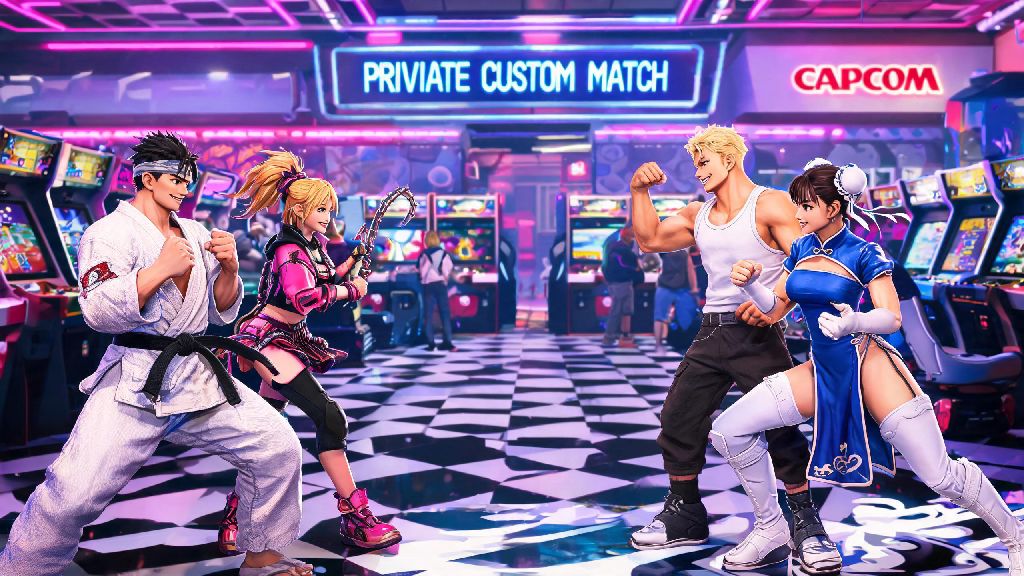
Nothing beats going head-to-head with your closest friends in Street Fighter 6, whether you’re showing off a new main you’ve spent weeks grinding, settling a petty bet, or just messing around with silly custom lobbies. If you’ve been fumbling through menus trying to figure out how to invite friends on Street Fighter 6, you’re not alone. Capcom packed so many modes into this entry that even seasoned fighting game fans can get lost navigating the online menus for the first time. I’ve spent dozens of hours testing every online mode with my own friend group, so I’ve broken down every possible method to get your crew into a match fast, no unnecessary menu diving required.
How to Invite Friends on Street Fighter 6 for Standard Private Matches
Private custom matches are the best option if you want to stick to playing with your group, no random players allowed. First, link your platform account to your Capcom ID first if you haven’t already – this is non-negotiable if you want to play with friends on different platforms, and it makes inviting same-platform friends easier too. I once spent 20 minutes troubleshooting an invite issue only to realize my friend never finished setting up his Capcom ID, so don’t skip this step. To send an invite, head to the Fighting Ground tab from the main menu, select Custom Room, and choose to create a new room. You can set privacy to Friends Only or Invite Only, and adjust match rules like round count, timer, stage select rules, and even control type restrictions before you send any invites. Set all your match rules before sending invites so you don’t have to pause and adjust settings once everyone shows up. Once your room is created, open the room menu, select Invite Friends, and pick people from your Capcom ID or platform friends list to send invites to. That’s all it takes to get your group set up, no complicated workarounds needed when you know how to invite friends on Street Fighter 6 for private matches.
Inviting Friends to Join You in the Battle Hub
If you don’t feel like sticking to strict private matches, the Battle Hub’s open social space is the perfect spot to hang out with friends and mix in random matches with other players too. You don’t have to leave the hub to invite people, and you can even bring friends straight to your current spot so you don’t have to hunt each other down across the large hub space. To send an invite from the Battle Hub, open the in-game menu with your controller or keyboard, navigate to the Social tab, and select the friend you want to bring into your session. You’ll see an option that says Invite to Battle Hub Session, and selecting it will send them a pop-up notification they can accept to jump straight to your location. This works even if you’re already in a queue for a random match, so your friends can join you and wait in line, or mess around with the classic arcade cabinets in the hub while they wait for you to finish your game. You can have up to 8 friends in the same Battle Hub instance, which makes it perfect for larger group hangouts.
Common Issues You Might Face When Inviting Friends, and How to Fix Them
Even if you follow all the steps correctly, you might run into a few snags when trying to get your group into a match. Most of these issues are easy to fix once you know what to look for, and I’ve run into all of them at least once with my own friend group. Here are the most frequent problems and their quick fixes:
Most of these issues pop up because of cross play settings, so I always recommend making sure your entire group has cross play toggled on before you plan a session, even if you’re all on the same platform. It eliminates 90% of connection headaches before they start. If you’re playing on PC, double check that your firewall isn’t blocking SF6’s online access, that’s a less common but still frequent issue that trips up PC players.
Fun Ways to Play With Friends Beyond Standard 1v1 Matches
Once you know how to invite friends on Street Fighter 6, you can mix up your sessions instead of just playing the same 1v1 format every time. The custom room options let you tweak almost every part of the match to keep things interesting, even if you’ve been playing with the same group for months. Team battle mode is my go-to for groups of 4 or more, you can split your crew into two teams and play a king of the hill style format where each player stays in until they lose, and the last team standing wins. If you want to take a break from competitive play, try Extreme Battle mode, which lets you add silly gimmicks like exploding barrels, random stage hazards, or rules that make characters move faster the lower their health is. It’s a great way to break up tension if you’ve been playing intense ranked sets for hours. You can also host your own small group tournaments using custom room settings, set up a bracket manually, and award bragging rights to the winner. My friend group runs a small monthly tournament with a random character rule, and it’s become one of our favorite monthly activities. You can even use the Battle Hub’s spectator feature to stream your matches to the rest of the group, so everyone can watch the top two players fight while they wait for their turn.
At the end of the day, Street Fighter 6 is best when you’re playing with people you care about, even if you’re all just learning how to pull off basic combos or laughing at someone who accidentally pressed the wrong super move. Knowing how to invite friends on Street Fighter 6 cuts out the frustrating menu time so you can spend more time actually playing, and less time trying to get everyone into the same lobby. Don’t be afraid to mess around with different modes and rules as you go, the best sessions are the ones that don’t stick to a strict plan. Next time you’re looking to run some sets, you’ll be able to get your whole group joined up in under a minute.