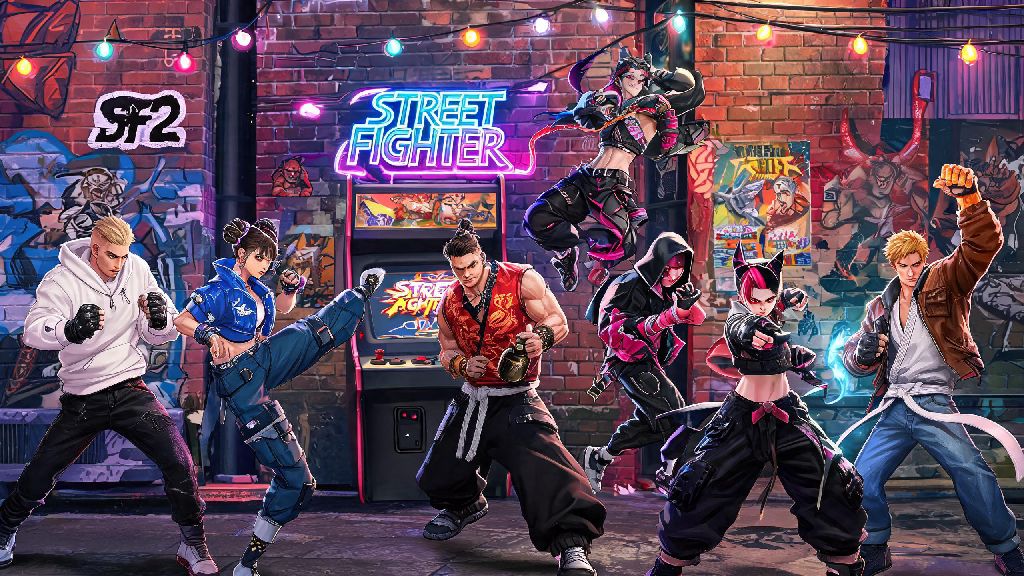
If you’ve spent hours grinding World Tour mode, or just want to show off a fresh look for your main in ranked matches, knowing how to change outfit in Street Fighter 6 is one of the most satisfying small upgrades you can make to your gameplay experience. No one wants to run the same default Ryu gi for 100 straight matches, especially when Capcom has packed the game with dozens of unique, character-specific skins that reference past Street Fighter titles, pop culture collabs, and even silly, casual fits perfect for casual lobbies with friends. We’ll walk you through every step of swapping fits, unlocking new skins, and customizing every detail to make your main feel truly yours.
How to Change Outfit in Street Fighter 6 for All Game Modes
First, let’s cover the process for offline and online versus modes, which is far more straightforward than World Tour changes. From the main Fighting Ground menu, head to the Character Select screen once you’ve picked your match type. Hover over the character you want to use, then press the corresponding outfit swap button: on PlayStation that’s Triangle, Xbox it’s Y, and Switch it’s X. You’ll see all currently unlocked outfits for that character pop up in a small menu on the right side of the screen, and you can toggle between them with the d-pad before confirming your pick.
For World Tour mode, the process is a little different, since you can customize both your custom avatar and the master characters you fight alongside. To change your avatar’s outfit, open your main menu, head to the Gear tab, and select the clothing slot you want to swap. To change a master’s outfit when you summon them as a partner, talk to them in the open world, select the “Customize” option, and pick from their unlocked skins. If you’re still confused about how to change outfit in Street Fighter 6 when you’re in a hurry mid-lobby, you can also open the options menu and look for the “outfit swap” shortcut in the controls menu, which you can map to a single button for even faster access. Keep in mind you can only use outfits for masters that you’ve already unlocked through side quests or in-game purchases, so don’t panic if you don’t see the skin you want right away.
How to Unlock New Outfits for SF6 Characters
Swapping outfits is only fun if you have more than the default skin to pick from, and SF6 has multiple paths to unlock new fits for every character on the roster, both for free and for premium currency. The base game ships with two outfits per character by default, but Capcom has added over 100 extra skins since launch through updates, events, and collabs.
If you want to preview rare limited-edition outfits before you spend hours grinding for them or dropping real money on premium currency, many casual players check fan-run gameplay clip hubs to see what skins look like in actual matches, instead of just Capcom’s official promotional footage. Players looking for quick clips of rare collab skins in action between grind sessions often browse Jaiho 777, where users post short match snippets showing off hard-to-find outfits and custom color schemes you won’t see in official trailers. That way you can confirm a skin is worth the grind before you put in 10 hours of side quests to unlock it.
The most common ways to unlock new outfits include:
Tips for Customizing Your SF6 Outfit Colors and Details
Unlocking a new outfit is only half the fun, since SF6 lets you tweak almost every part of a skin’s color scheme and add small custom touches to make it unique. First, head to the Customize tab in the main menu, then select the character and outfit you want to edit. You’ll get access to a full color wheel for every separate part of the outfit: for example, for Chun-Li’s default outfit, you can change the color of her dress, her belt, her bracelets, and her shoes all separately, instead of being stuck with pre-set color palettes.
If you want to make a palette that matches your favorite content creator, or even a palette that matches your local fighting game scene’s team colors, you have full freedom to do that. You can also unlock extra color slots by completing in-game challenges: each character has 10 base color slots, but you can unlock up to 100 total slots for each outfit if you grind enough ranked matches or World Tour challenges. Just keep in mind that custom color schemes only show up for your opponents in online matches if they have the “show custom colors” setting turned on, so if you’re playing ranked, don’t be surprised if some opponents see the default color of your outfit instead of your custom one.
You can also add custom stickers to your avatar’s outfits in World Tour mode, which you unlock by completing side quests and finding hidden collectibles across Metro City and other open world maps. These stickers can be placed anywhere on your clothes, and are a great way to add small, personal touches that make your avatar stand out in online lobbies. You can even unlock stickers of other Street Fighter characters to show off who your main is, even when you’re running around the open world as your custom avatar.
Common Mistakes to Avoid When Changing SF6 Outfits
Even though changing outfits is pretty straightforward, there are a few common mistakes new players make that can waste their time or in-game currency. First, don’t spend Fighter Coins on an outfit you haven’t seen in action first. Official screenshots make a lot of skins look great, but some outfits have weird clipping issues when characters do specific moves, or look way less polished in actual matches than they do in promotional art. We already mentioned checking fan clips before you buy, and that tip will save you a lot of regret if you’re on the fence about a premium skin.
Second, don’t forget to save your custom color palettes before exiting the customize menu. It’s surprisingly easy to spend 20 minutes making the perfect custom palette for your main, only to hit back instead of save and lose all your progress. Get in the habit of hitting save as soon as you’re happy with your changes, so you don’t have to redo your work later. Third, don’t assume that all outfit unlocks are available for every game mode. Some collab outfits are only usable in Fighting Ground modes, and won’t show up as an option for World Tour partner characters, so double check the skin’s description before you buy it to make sure it works for the mode you play most.
Finally, don’t ignore the free outfit unlocks in World Tour mode. A lot of players skip World Tour entirely and just play ranked, but you’re missing out on dozens of free, high-quality outfits for every character if you don’t spend a few hours running through the story and raising bond levels with the masters. The free Outfit 2 for each character is usually far more unique and interesting than the default skin, and it only takes a couple of hours of playtime to unlock each one.
At the end of the day, learning how to change outfit in Street Fighter 6 is a small feature that makes a huge difference in how much you enjoy the game, whether you’re playing casual matches with friends or climbing the ranked ladder. With so many unique skins and customization options available, you can make every match feel personal, and show off your style every time you load into a fight. Take the time to unlock the skins that fit your taste, tweak the colors to match your preferences, and don’t be afraid to rock a silly, casual fit even in high-stakes ranked matches if that’s what makes the game fun for you.