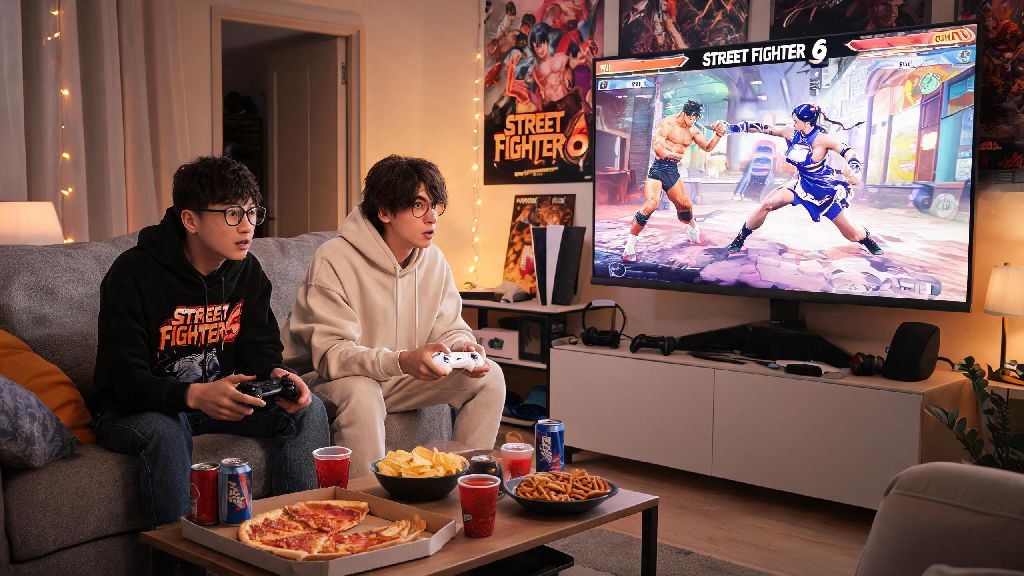
There’s nothing better than grabbing a friend, a bag of snacks, sitting down on the couch, and settling in for a heated set of Street Fighter 6. Whether you’re hosting a game night, teaching a new player the ropes, or settling a silly bet over who has to take out the trash, learning how to play 2 player Street Fighter 6 is one of the easiest ways to get the most out of your copy of the game. Most players jump straight into online ranked matches when they first boot up SF6, grinding for higher ranks and fighting random players from across the world, but local 2 player mode lets you skip long queue times, avoid frustrating lag spikes, and tailor the match rules exactly to what you and your opponent want to play. You don’t need any fancy equipment to get started either, just a second controller, a copy of the game, and a few minutes to tweak your settings before you start fighting. Even if you’ve only ever played online, switching to local 2 player can make the game feel completely new, since you get to see your opponent’s reactions in real time instead of reading their playstyle through a screen.
How to Set Up Local 2 Player Street Fighter 6 Matches
First, make sure both of your controllers are paired to your console or PC before you boot up the game. Most console versions of SF6 will automatically detect connected controllers the second you turn the system on, but PC players may need to go to their device settings first to confirm both inputs are recognized and mapped correctly. If you’re using a fight stick instead of a standard controller, you’ll also want to test the inputs in training mode first to make sure all your buttons are mapped the way you prefer, since the default mapping for fight sticks can vary depending on the brand.
Once you’re on the main menu, navigate to the Fighting Ground tab, which is where all offline versus, training mode, and arcade mode content lives. Select the Versus option, then choose 1v1, and the game will prompt you to assign controllers to player 1 and player 2. If you want to mix things up beyond standard 1v1 fights, you can also select other game types here including 2v2 team battles, where you each pick two characters and swap between rounds, or even extreme battle mode with wacky modifiers like giant fireballs or regenerating health.
Don’t skip the controller test step if you’re using a third party controller, you don’t want to realize your friend’s jump button is unresponsive right as they’re about to land a critical super art that would have won them the set. If you want to save your preferred rule sets for future game nights, you can save custom versus profiles in the settings menu so you don’t have to adjust everything from scratch every time you play.
Custom Rules to Make 2 Player SF6 Matches More Fun
If you’re playing with someone who’s never touched a fighting game before, you don’t have to stick to the default competitive rules to have a good time. The default settings are built for professional tournament play, with 99 second rounds and no handicaps, which can be overwhelming for new players who are still learning how to block and throw basic punches. You can adjust round timers to be shorter, turn on one-button special moves, or even set a health handicap to level the playing field between new and veteran players, so your friend doesn’t get knocked out in 10 seconds flat every round.
Many casual players also like to add fun side rules to their sets, like only using special moves, only playing as low tier characters, or doing a silly dance every time you land a super art, to keep things fresh even after hours of playing. If you need a quick break between sets to reset, grab another soda, or stop yourself from throwing your controller after a tough loss, you can pull up a quick casual game to pass the time — lots of fighting game fans who want a low-stakes distraction between rounds play 777 Game for a few minutes to unwind before jumping back into their next set.
You don’t have to stick to strict competitive rules unless you’re practicing for an upcoming local tournament, the point of local 2 player play is to have fun with the person sitting next to you, not to prove you’re the best player in the room. One-button controls are a game-changer for new players, so don’t be embarrassed to turn them on if it means both people are enjoying the match instead of one person getting destroyed over and over again.
Common 2 Player SF6 Setup Issues and Fixes
Even if you’ve set up local play dozens of times before, you might run into small issues that throw off your game night before it even starts. Most of these issues are not unique to SF6, and they’re easy to fix with a few quick setting tweaks, no technical expertise required. I’ve hosted dozens of SF6 game nights over the past year, and I’ve run into almost every possible issue you can think of, so I’ve got a quick list of fixes for the most common problems:
If you’re playing on PC and still running into issues after trying these fixes, you can also check the official SF6 community forums for controller-specific fixes that other players have shared for your exact device. Most issues take less than 2 minutes to fix, so don’t let a small technical hiccup ruin your game night before it even gets started.
Tips for Fun and Fair 2 Player Street Fighter 6 Sessions
The best local 2 player SF6 sessions are equal parts competitive and friendly, especially if you’re playing with people who have less experience than you. If you’re a more experienced player, take a few rounds to teach your opponent basic moves like blocking, throwing, and using their super art instead of wiping the floor with them immediately, it will make the rest of the set way more fun for both of you. I’ve had so many friends who thought they hated fighting games until I took 10 minutes to show them the basics, and now they regularly ask to come over for SF6 game nights.
You can also take turns picking characters, or run a small 4-player tournament with a silly prize for the winner like getting to pick the next snack run or picking the movie you watch after playing, to make the session feel more exciting. Don’t be afraid to try out new combos or characters you don’t use online, local play is the perfect low-pressure space to practice without risking your ranked rank or getting flamed by toxic players in chat. If you’re both more experienced players, you can also record your matches and watch them back later to spot mistakes and improve your play, which is way easier to do with local matches than online ones.
Always ask before turning on competitive rules, some people just want to mess around with extreme battle modifiers instead of playing strict ranked-style sets, and nothing kills the vibe faster than forcing someone to play a competitive set when they just wanted to have fun. You can also alternate between casual and competitive sets if one person wants to practice and the other just wants to mess around.
At the end of the day, learning how to play 2 player Street Fighter 6 is far simpler than most new players expect, and it’s one of the best ways to experience everything the game has to offer. The game’s online mode is great for grinding ranks and testing your skills against players from across the world, but nothing beats the feeling of landing a perfect combo on your best friend and seeing their reaction right next to you. You don’t need to be a pro player to have a good time, all you need is a friend, a second controller, and a willingness to mess around and have fun. Next time you’re hosting a game night, skip the boring generic party games and boot up a few sets of SF6, you won’t regret it.