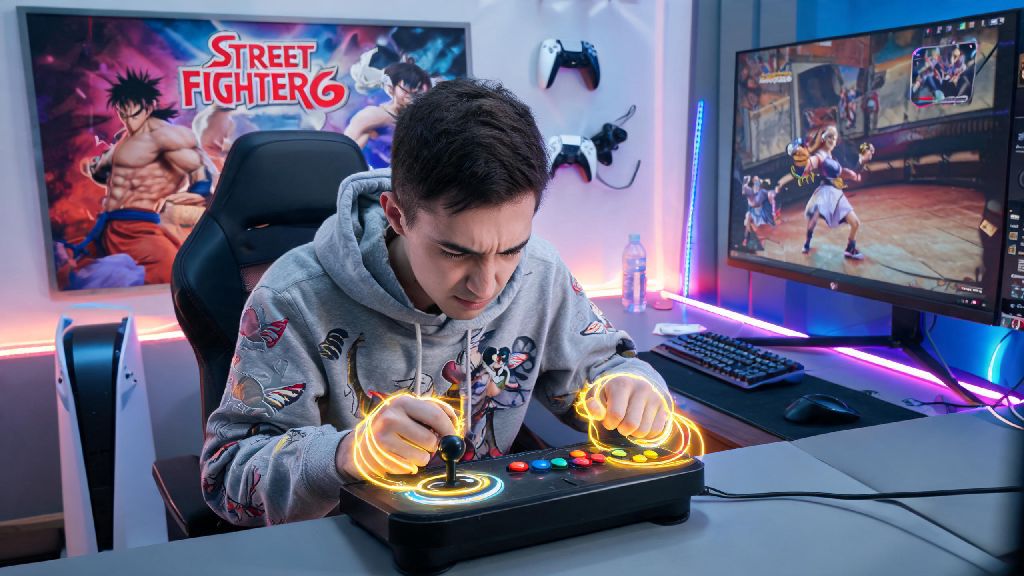
If you’ve ever stood frozen in a Street Fighter 6 ranked match, watching your opponent pull off flashy fireballs and dragon punches while you fumble with your controller, you’re not alone. Most new players struggle with consistent inputs when they first learn how to do special moves in Street Fighter 6, and even veteran players can slip up with tighter input windows on high-damage moves. I’ve been playing Street Fighter titles for over 12 years, and I still go into training mode for 30 minutes before every online session to warm up my special move inputs, so I know how frustrating missed commands can be. This guide breaks down everything you need to know to nail special moves every time, no matter if you play on controller, fight stick, or keyboard.
Core Rules for How to Do Special Moves in Street Fighter 6 Consistently
If you’re trying to figure out how to do special moves in Street Fighter 6 without throwing your controller across the room, following these core rules will cut your learning curve in half. First, understand the game’s input priority system: if you input multiple commands at once, the game will register the highest-priority move first, which is why you might get a random normal attack instead of a special if you press buttons too early. SF6 has a generous 6-frame input buffer, which means the game remembers your inputs for a short window after you make them, so you don’t have to time every motion perfectly.
Every special move in the game uses one of 5 core motion types, no matter what character you pick. Familiarize yourself with these first, and you’ll be able to pick up any new character’s kit in minutes:
One common myth you’ll hear online is that you need to move your stick or keys as fast as possible to register special moves. That’s not true at all. You don’t have to rush your inputs — slow, deliberate motions that hit every direction in order work far better than fast, sloppy flicks that skip directions entirely. If you’re missing moves constantly, slow down your inputs first before you try anything else.
Platform-Specific Input Tips for SF6 Special Moves
No matter what hardware you use, the core rules for how to do special moves in Street Fighter 6 stay the same, but small adjustments to your setup can make inputs far easier. For controller players, the first thing you should do is adjust your dead zone settings in the game’s options menu. Most default controller dead zones are set too high, which means small, precise motions won’t register. Lowering the dead zone to 5-10% will make it much easier to hit quarter-circle and dragon punch motions without extra effort. If you’re struggling with the D-pad, try using the analog stick for a few matches — many new players find the stick more forgiving for smooth, curved motions.
If you use a fight stick, don’t feel like you have to slam the stick around to register inputs. Light, controlled flicks are all you need to hit every direction, and slamming the stick will only tire out your wrist and lead to sloppy inputs over long play sessions. I switched from controller to fight stick 3 years ago, and I cut my missed special move rate by almost 70% just by getting used to the stick’s sensitivity instead of forcing motions. Don’t give up if it feels weird the first week — it takes time to build muscle memory.
Keyboard and hitbox players have a unique advantage when it comes to special move inputs, since every direction press is 100% precise. If you’re playing on keyboard, map your direction keys to adjacent buttons (like WASD or arrow keys) to make quarter-circle and half-circle motions faster. You don’t need a fancy hitbox to get this advantage either — a standard cheap keyboard works perfectly for SF6, as long as it has anti-ghosting to register multiple key presses at once.
Common Special Move Mistakes to Avoid
Most missed inputs when you’re learning how to do special moves in Street Fighter 6 come from tiny, easy-to-fix habits, not lack of skill. The most common mistake new players make is pressing the attack button before they finish the motion. If you press punch halfway through a quarter-circle, the game will register a normal punch instead of the fireball you wanted. Finish the motion first, then press the button — this small rule will fix 80% of your missed inputs right away.
Another common mistake is forgetting to practice on both sides of the screen. Most players start by learning motions when they’re on the left side of the screen, so when they get flipped to the right side mid-match, their motions get mixed up. Forward is always the direction your character is facing, so your quarter-circle forward motion will flip directions when you swap sides. Spend 10 minutes practicing each side of the screen in training mode every session, and you’ll stop freezing up when you swap positions mid-fight.
Don’t write off the modern control scheme just because other players say it’s “not real” Street Fighter. Modern controls let you pull off special moves with a single button press plus a direction, which is perfect for new players who want to focus on learning strategy and spacing instead of spending weeks practicing inputs. You can easily climb to Platinum rank using modern controls, so don’t let gatekeepers make you feel like you have to use classic controls to be a “real” player. You can always switch to classic later once you’re more comfortable with the game.
Drills to Perfect Your Special Move Inputs Fast
You can spend 10 hours a day playing ranked matches and still not improve your special move inputs if you’re not practicing the right way. Focused, short drills are far more effective for building muscle memory than mindless play. The first drill you should do is the 10-in-a-row drill: pick one special move for your main character, and do it 10 times in a row on the left side of the screen without any misses. If you miss once, reset the count to zero. Once you hit 10 in a row on the left, switch to the right side and do the same. Do this for every special move your character has, 3 times a week, and you’ll see a massive improvement in just a few days.
The second drill is the block string drill, which helps you learn to input special moves right after normal attacks, which is the core of most combos. Go into training mode, set the dummy to block all attacks, and string two light normal attacks into your special move of choice. Do this 10 times in a row on each side, making sure the special move comes out immediately after the second normal attack. This drill will help you get used to inputting motions while you’re already pressing other buttons, which is what you’ll be doing in real matches.
The third drill is the anti-air reaction drill, which helps you input special moves fast under pressure. Set the training dummy to jump at you randomly, and use your character’s anti-air special move to hit them out of the air every time before they land. Start with slow jump settings, then turn up the speed as you get more comfortable. 15 minutes of focused drill time a day is better than 2 hours of mindless ranked play for improving your inputs. I used to skip drills when I first started playing SF6, and it took me twice as long to climb out of Bronze rank because I kept missing high-damage specials mid-fight.
At the end of the day, learning how to do special moves in Street Fighter 6 is all about consistency, not raw speed. You don’t need lightning-fast reflexes to nail every input, you just need to practice the right way, fix your small mistakes, and adjust your settings to fit your playstyle. Don’t get discouraged if you miss moves during your first few weeks of play — even pro players drop inputs under pressure sometimes. Start with the drills we laid out, pick one main character to learn first, and you’ll be pulling off flashy combos and climbing the ranked ladder before you know it.