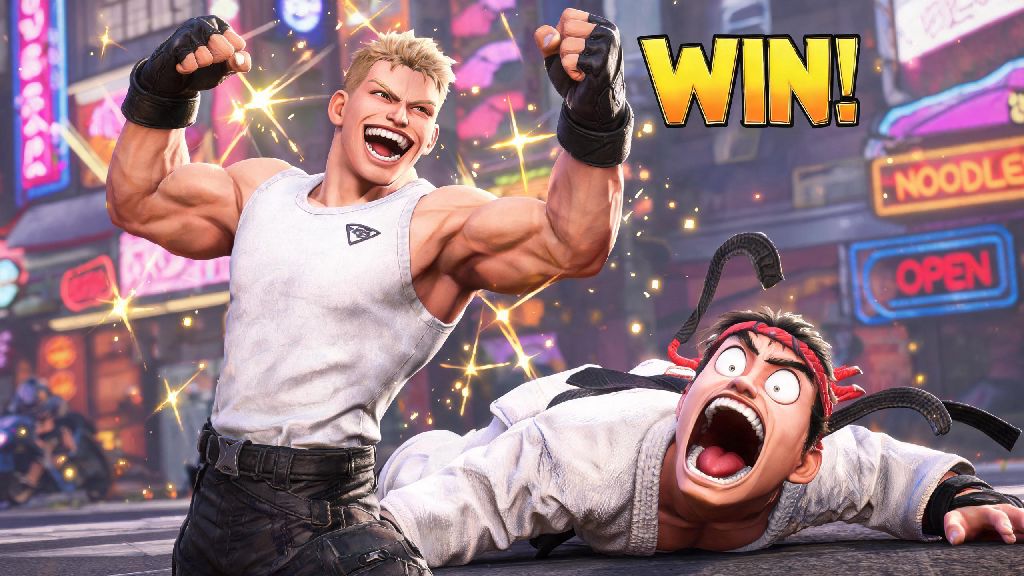
There’s no better feeling than landing a perfect Critical Art on a Drive Rush-spamming opponent to close out a close ranked set. If you want to make that win even sweeter, knowing how to emote in Street Fighter 6 lets you lean into the fun, show off your main’s personality, or even just give a respectful nod to a worthy opponent. While it seems like a trivial feature, knowing how to emote in Street Fighter 6 can make your matches feel far more personal, whether you’re playing casually with friends or climbing the ranked ladder. You don’t have to be a troll to use them either, plenty of players rely on emotes to keep matches light and friendly even when the competition gets heated.
How to Emote in Street Fighter 6: Controls for Every Platform
The first thing to know is that emote controls change slightly depending on what device you’re playing on, and you can only use them in specific windows during a match. You can only use emotes during pre-match, post-round, or mid-match neutral states (no active hits or combos). If you try to emote mid-attack or while you’re getting hit, the input won’t register, so don’t waste time spamming the button when you’re in the middle of a exchange.
For most players, the default controls will work perfectly right out of the box:
PlayStation 5/4: Hold R1, then press the corresponding D-pad direction for your equipped emote. You can switch which emote is assigned to which direction in your custom control settings if the default layout feels awkward.
Xbox Series X/S / One: Hold RB, then press the D-pad direction assigned to your emote. This layout is almost identical to PlayStation, so you won’t have to relearn muscle memory if you switch between console platforms often.
PC (Keyboard and Mouse): Hold the G key by default, then press the 1-4 keys corresponding to your emote slots. If G feels too far out of the way during matches, you can remap the emote hold key to any other button on your keyboard or mouse in the settings menu.
Arcade Stick: Assign a macro or dedicated emote button in your control settings, then hold it and use your stick’s direction pad to select emotes. Most competitive stick players assign emote controls to a spare side button so they don’t have to take their hand off the stick or main buttons to use them.
If you’re still figuring out how to emote in Street Fighter 6 after switching platforms, don’t panic -- you can remap emote controls to any button you like in the settings menu. It’s a good idea to test your chosen layout in practice mode first to make sure you don’t accidentally trigger an emote when you meant to press a Drive Rush or parry button.
How to Equip and Unlock New Emotes for Your Fighters
You won’t have access to every emote in the game right when you first boot it up. Most emotes are unlocked through regular play, and you can equip different emotes for each of your custom fighter loadouts if you want to match them to your main character’s personality. You can equip up to 4 emotes per custom loadout, so you can pick ones that fit your playstyle or main character's vibe. For example, I have a silly dance emote equipped for my Jamie loadout, and a more respectful bow emote for my Ryu loadout to match their respective personalities.
There are dozens of emotes available in the game, and new ones get added every season. The most common ways to unlock new emotes are:
To equip your new emotes, head to the “Customize” tab from the main menu, select “Fighter Loadout”, and then navigate to the “Emotes” section. You can drag and drop emotes into your four active slots, and save different setups for different characters if you want.
Unwritten Rules for Using Emotes in Matches
Emotes are a ton of fun, but there are unwritten community rules around using them that you should follow if you don’t want to come off as rude. The general rule of thumb is that emotes are fine as long as you’re not using them to harass or bully other players, especially new ones who are still learning the game. Never spam emotes while your opponent is trying to rematch or send a good game message, it comes off as rude even if you don't mean it that way.
Most players are fine with you using an emote to celebrate a win, but spamming them after every single round, especially if you’re clearly better than your opponent, is considered bad form. If you’re playing against a new player who’s still figuring out combos, stick to a simple “good game” emote at the end of the match instead of spamming a taunt after every round.
So what about mind games? Some players use taunt emotes right before a round starts to throw their opponent off their game, and that’s generally accepted in ranked play, as long as you don’t carry it too far. Just be prepared to get roasted if you taunt before a round and then lose immediately, the SF6 community loves calling out cocky players who get humbled.
If you’re playing in official tournaments, most organizers ban excessive emoting entirely because it’s considered unsportsmanlike. Save the silly dances for casual lobbies if you’re planning to compete, you don’t want to get a warning or disqualified for using an emote at the wrong time.
Creative Ways to Use Emotes Beyond Trolling
Emotes get a bad reputation for being only for trolls, but there are tons of fun, positive ways to use them that make the entire SF6 community better. Many players use the "good game" emote after every match, regardless of win or loss, to keep the community friendly and respectful. I’ve made several long-term playing buddies just by waving at someone with an emote before a casual match, and we still queue up together every weekend.
In the Battle Hub, emotes are a great way to interact with other players when you’re waiting for your queue to pop. You can join groups of players doing silly dance routines, wave at people before challenging them to a match, or even use emotes to signal that you’re looking for a low-stakes casual set instead of a serious ranked grind.
If you play World Tour mode, you’ll run into dozens of side quests that require you to use a specific emote to complete them. For example, some NPCs will ask you to dance for them, cheer them up, or bow to them to finish their request, so it’s worth keeping a wide range of emotes equipped for your custom World Tour character.
Plenty of content creators also use emotes to make funny clips for TikTok, YouTube Shorts, or Twitch highlights. Some of the most viral SF6 clips of all time are of players using perfectly timed emotes right after landing a insane combo, or reacting to a crazy comeback with a silly emote. You don’t have to be a creator to have fun with this either, recording your own funny emote moments to share with your friends is a great way to make your play sessions more memorable.
At the end of the day, knowing how to emote in Street Fighter 6 is just one small way to make your time with the game feel more personal and fun. You don’t have to use them if you don’t want to, but they’re a tiny, well-designed feature that adds a lot of personality to every match. Next time you land that combo you’ve been practicing for weeks, don’t be afraid to pull out your favorite emote and celebrate a little. Just don’t be surprised if your opponent does the same right back when they beat you in the next round.