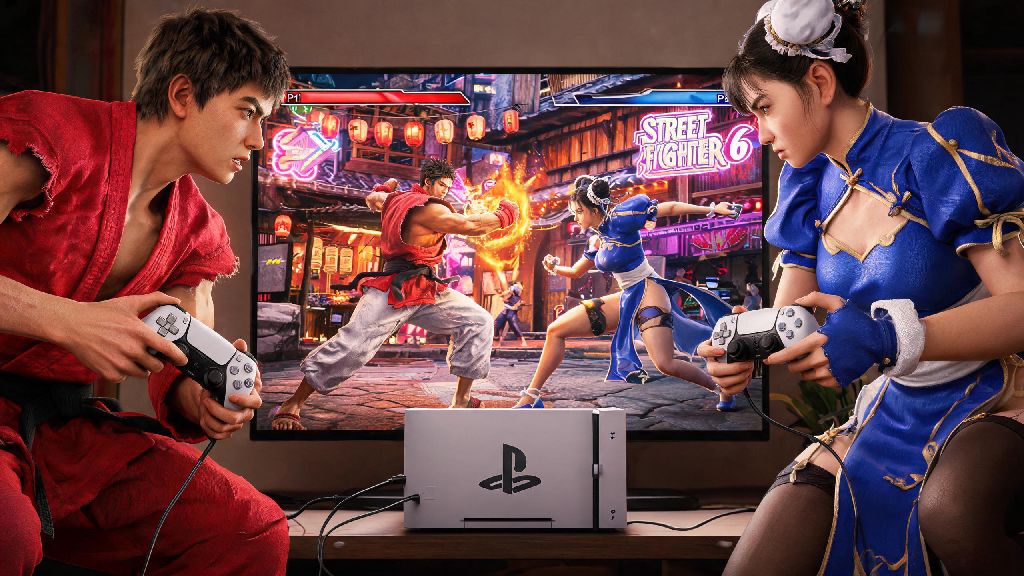
There’s nothing quite like grabbing a friend, picking your main, and duking it out across Street Fighter 6’s iconic stages to settle who’s the better fighter. If you’ve been fumbling through menus trying to figure out how to play 2 player in Street Fighter 6, you’re far from the only one. Capcom packed a ton of multiplayer options into the latest entry of the franchise, and it’s easy to miss the exact settings you need to launch a match with a second player, whether you’re on the same couch or connecting from opposite sides of the world. I’ve put in dozens of hours testing both local and online 2 player modes across PS5, Xbox Series X/S, and PC, so I’ll walk you through every step without the confusing jargon other guides throw at you.
How to Set Up Local 2 Player Matches in Street Fighter 6
First, make sure you have two compatible controllers synced to your console or PC. On PlayStation, you can use DualSense, DualShock 4, or even third-party fight sticks as long as they’re paired to your account. On Xbox, any official Xbox One or Series controller works, and PC supports almost all wired and Bluetooth input options, including fight pads and arcade sticks. You don’t need to log into the online servers to play local 2 player, which is perfect if you don’t have a stable internet connection or are playing at a tournament venue with no Wi-Fi.
Once your controllers are connected, boot up Street Fighter 6 and head to the main menu. Select the Fighting Ground option from the main menu, not World Tour or Battle Hub. That’s the most common mistake new players make: they head to Battle Hub looking for local play, but that mode is exclusively for online public lobbies. Once you’re in Fighting Ground, select Versus, then pick 2 Player Local. You’ll be prompted to assign controllers to player 1 and player 2, then you can pick your characters, stages, and match rules before starting.
If you run into issues with local setup, these quick fixes almost always work:
How to Create Private Online 2 Player Lobbies for Friends
If you can’t meet up in person to play, Street Fighter 6’s online private lobbies let you play 2 player matches with friends no matter where you are. First, you’ll need to have your console or PC connected to the internet, and you’ll need an active PlayStation Plus or Xbox Game Pass Core subscription if you’re playing on console. PC players don’t need any extra subscription to play online, as long as you have a valid copy of the game.
Head to the Battle Hub from the main menu, and log into your Capcom ID if you haven’t already. You don’t need to enter the public Battle Hub space to make a private lobby, either: you can select the Private Lobby option directly from the Battle Hub submenu before loading into the public area. Once you select Create Private Lobby, you can set a password, adjust match rules like round length, number of rounds per match, and whether you want to allow stage selection or random picks.
Send the lobby code and password to your friend, and they can join directly by entering the details in the Join Private Lobby menu. One thing to note: you’ll get the best connection if the player with the most stable internet connection hosts the lobby. If you’re noticing input lag or dropped frames mid-match, have the other player host a new lobby to see if that fixes the issue. You can also turn off cross-play if you’re both on the same platform, as that often reduces latency for private 2 player matches.
Best Game Modes to Try for 2 Player Street Fighter 6 Play
Most people stick to standard versus matches when they play 2 player in Street Fighter 6, but there are a ton of fun alternate modes you can try to mix up your sessions. First, there’s Extreme Battle, which adds wacky modifiers to matches like exploding balls that bounce across the stage, reduced jump height, or even a rule where you take damage if you block too much. It’s perfect for casual play sessions where you don’t want to take the fight too seriously, and it’s easy to enable from the versus menu both locally and online.
If you want to practice together instead of competing, you can also launch a 2 player training mode. This mode lets you both experiment with combos, practice counters against each other’s main characters, or even run drills to improve your parry timing without the pressure of a ranked match. You can also set up team battles if you have more than two people around, but even for two players, you can pick a team of three characters each to run a best-of-three series with different fighters per round.
For players who are new to the franchise, I recommend starting with casual versus matches with 99-second rounds and easy input mode enabled, so you can both get a feel for your characters without getting frustrated by complex combo requirements. You can turn off easy input mode later as you get more comfortable, but it removes a huge barrier to entry for casual friends who don’t play fighting games often.
Common Issues When You Play 2 Player in Street Fighter 6 (And Fixes That Work)
Even if you follow all the setup steps perfectly, you might run into small issues when you play 2 player in Street Fighter 6. The most common issue for local play is input lag on the second controller, which almost always stems from using a Bluetooth controller that’s too far from your console or PC. If you notice the second player’s inputs are delayed, plug the controller in with a wired connection, or move the Bluetooth receiver closer to your play area.
Another common issue online is friends being unable to join your private lobby, which is usually caused by strict NAT settings on your router. You can fix this by enabling UPnP on your router settings, or forwarding the ports Capcom lists for Street Fighter 6 on their support site. Never install gameplay-altering mods if you plan to play online 2 player matches, even if they’re only cosmetic in your view. Capcom’s anti-cheat system flags a wide range of mods, and you could end up with a temporary online ban if you’re caught using them in any online mode, including private lobbies.
The last common issue is player 1 and player 2 controls getting swapped mid-match, which is a rare bug that only happens if you disconnect and reconnect a controller during a match. To fix this, just exit back to the main menu and reassign your controllers before launching a new match. You don’t need to restart the entire game to fix this, which saves a lot of time mid-session.
At the end of the day, Street Fighter 6’s 2 player modes are one of the biggest reasons the game has stayed so popular long after launch, whether you’re playing for fun with a casual friend or training for your first local tournament with a practice partner. It doesn’t take long to get set up once you know which menus to head to, and small tweaks like wired controllers and private lobbies with password protection make the whole process run even smoother. Next time you have a friend over or want to catch up with a long-distance gaming buddy, you’ll know exactly how to play 2 player in Street Fighter 6 without wasting time fumbling through confusing menus. Don’t be afraid to mess around with extreme battle modifiers or training mode drills too—some of my favorite Street Fighter 6 memories come from silly 2 player matches where we turned on every weird modifier available and just had fun, no sweat about who won or lost.